# DMD Notify System V1
An advanced, fully customizable FiveM notification system. Designed to give your players a clean, modern notification experience — fully manageable through `config.lua` without touching any HTML or CSS.
---
## :star2: Features
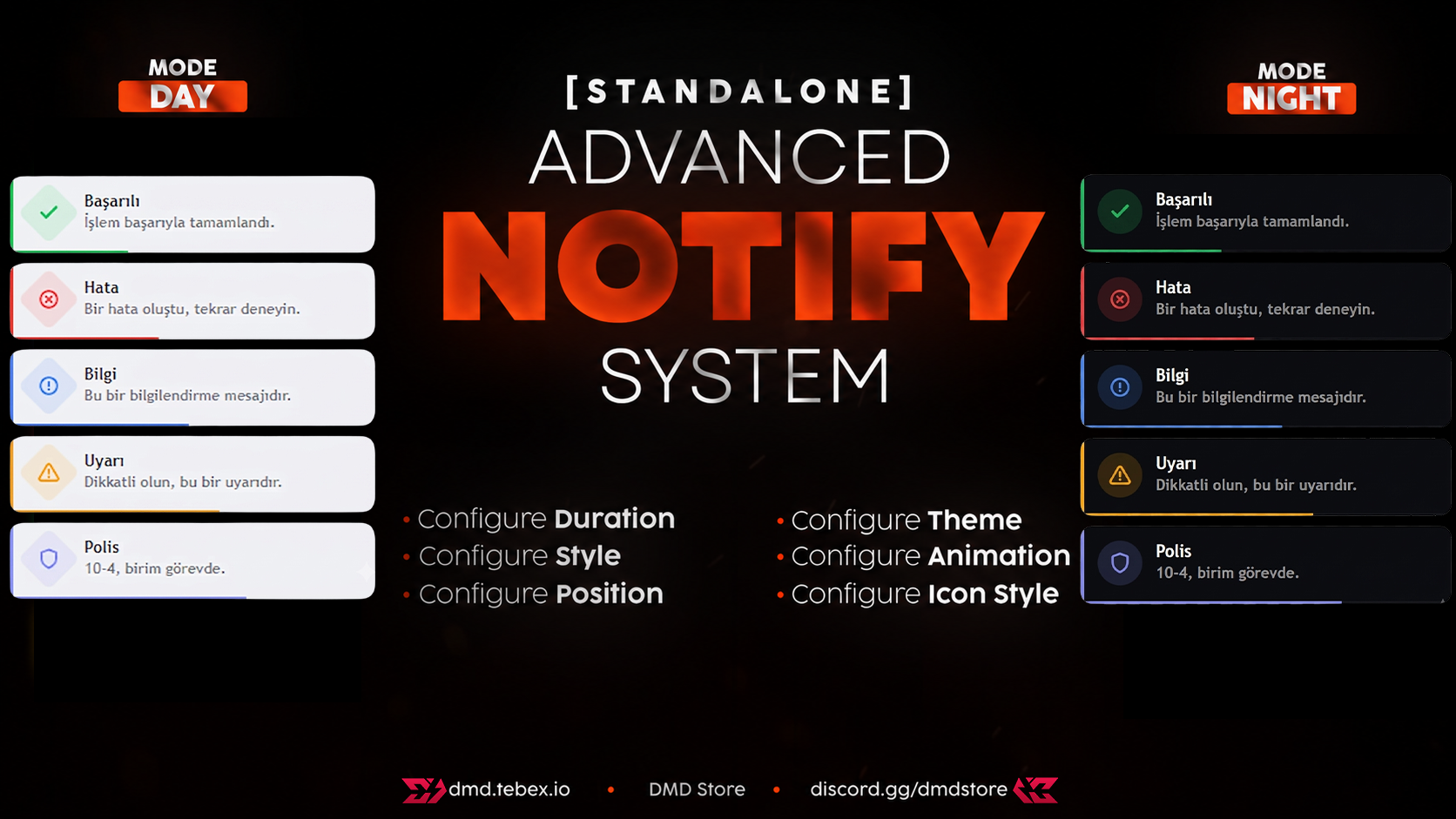
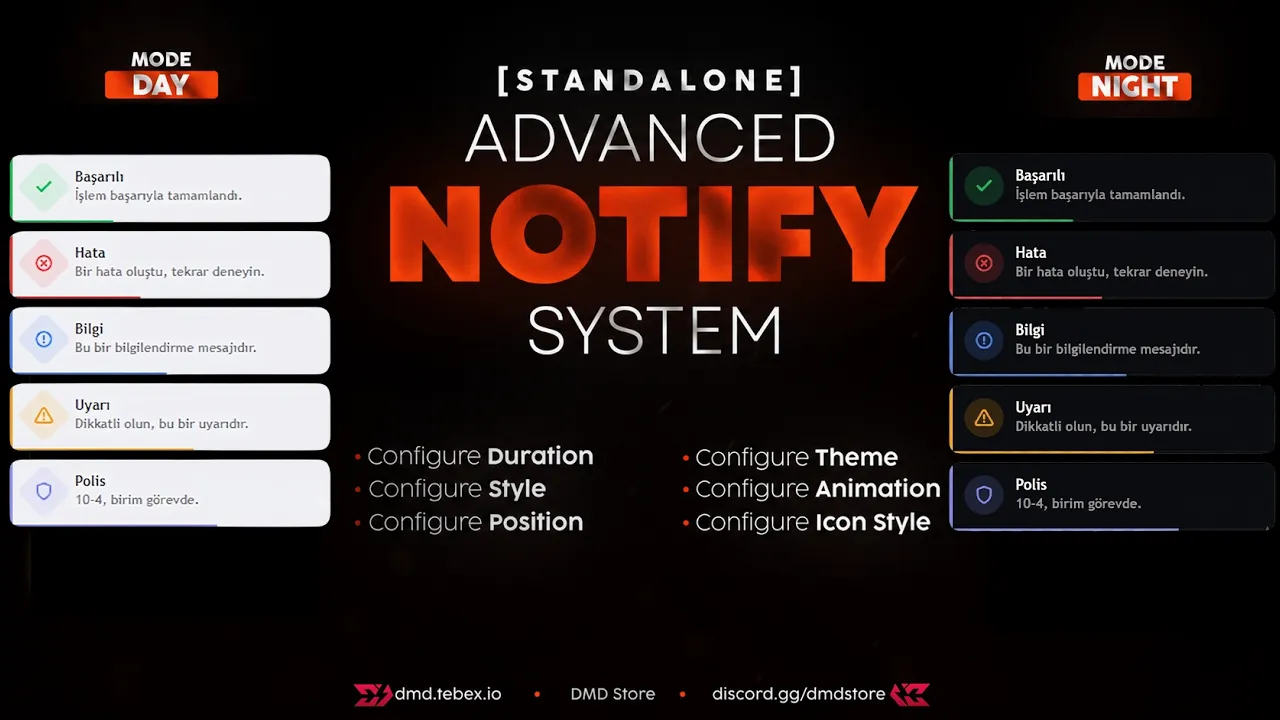
* **5 Notification Types:** Success, Error, Info, Warning, and Police — each with its own color and icon.
* **3 Visual Styles:** Choose between `neon` (subtle top glow line), `classic` (flat bordered card), or `retro` (sharp corners, thick accent bar).
* **Dark / Light Theme:** Toggle between dark and light themes manually or let it switch automatically based on in-game clock.
* **8 Screen Positions:** Place notifications anywhere — top-right, top-left, top-center, bottom-right, bottom-left, bottom-center, center-right, or center-left.
* **3 Icon Shapes:** Circle, Diamond, or Square icon containers.
* **4 Animations:** Slide, Fade, Bounce, or Scale entry/exit animations.
* **Sound on Notification:** Plays `html/sound.mp3` on each notification. Volume and on/off controllable from menu or `config.lua`.
* **Progress Bar:** A countdown bar at the bottom of each card shows how long the notification will stay.
* **Max 5 Simultaneous Notifications:** Any extras are silently dropped — the screen never gets cluttered.
* **In-Game Settings Menu (`/notify`):** Every player can open a personal settings panel to customize their own experience. No admin required.
* **Per-Player Settings Saved:** All menu choices are saved via FiveM KV store and restored automatically on reconnect or server restart.
* **Notification On/Off Toggle:** Players can temporarily disable all notifications from the menu.
* **Multi-Language Support:** English, Turkish, French, and Arabic included out of the box. Easily add your own.
* **Fully Standalone:** 100% compatible with QB-Core, QBox (ox_core), ESX, and Standalone servers. Auto-detects the framework.
* **Export API:** Any other script can trigger notifications with a single line.
---
## :gear: Configuration (`config.lua`)
All settings are in `config.lua`. No HTML or CSS knowledge required.
| Setting | Description | Default |
|---|---|---|
| `Config.Locale` | Language: `'en'`, `'tr'`, `'fr'`, `'ar'` | `'en'` |
| `Config.Framework` | `'auto'`, `'qb-core'`, `'qbox'`, `'esx'`, `'standalone'` | `'auto'` |
| `Config.DefaultDuration` | How long each notification stays on screen (ms) | `5000` |
| `Config.MaxNotifications` | Max notifications visible at once | `5` |
| `Config.ShowProgressBar` | Show the countdown bar at the bottom of each card | `true` |
| `Config.Theme` | `'dark'` or `'light'` | `'dark'` |
| `Config.Style` | `'neon'`, `'classic'`, or `'retro'` | `'neon'` |
| `Config.AnimationType` | `'slide'`, `'fade'`, `'bounce'`, or `'scale'` | `'slide'` |
| `Config.Position` | Where notifications appear on screen | `'top-right'` |
| `Config.IconStyle` | `'circle'`, `'diamond'`, or `'square'` | `'circle'` |
| `Config.AutoTheme` | Switch theme automatically based on in-game clock | `true` |
| `Config.NightHour` | Hour when dark theme activates | `20` |
| `Config.DayHour` | Hour when light theme activates | `7` |
| `Config.Sound.enabled` | Play sound on notification | `true` |
| `Config.Sound.volume` | Default volume (0.0 – 1.0) | `0.6` |
| `Config.SavePlayerSettings` | Save each player's menu choices via KV store | `true` |
| `Config.MenuPermission` | Who can open `/notify`: `'all'`, `'ace'`, `'group'` | `'all'` |
### Notification Types
Each type can be individually disabled or recolored:
```lua
Config.Types = {
success = { color = '#22c55e', enabled = true },
error = { color = '#ef4444', enabled = true },
info = { color = '#3b82f6', enabled = true },
warning = { color = '#f59e0b', enabled = true },
police = { color = '#818cf8', enabled = true },
}
```
---
## :package: Installation
1. Place the `dmd-notify` folder into your server's `resources` directory.
2. Add the following line to your `server.cfg` **after** your framework resource:
```cfg
ensure dmd-notify
```
3. Drop your notification sound file as `html/sound.mp3`.
4. Open `config.lua` and adjust to your server's preferences.
5. Restart your server or run `restart dmd-notify` in the live console.
See **INSTALL.md** for detailed framework-specific instructions.
---
## :joystick: In-Game Commands
| Command | Description |
|---|---|
| `/notify` | Open your personal notification settings menu |
| `/notifytest` | Fire all 5 notification types as a live preview |
The `/notify` menu lets each player individually adjust:
- Theme (Dark / Light)
- Sound volume and on/off toggle
- Notification on/off
- Visual style, animation, position, and icon shape
All changes save instantly and persist across reconnects.
---
## :electric_plug: Export API
**Client-side:**
```lua
exports['dmd-notify']:Success('Title', 'Your message here.')
exports['dmd-notify']:Error('Title', 'Something went wrong.')
exports['dmd-notify']:Info('Title', 'Informational message.')
exports['dmd-notify']:Warning('Title', 'Be careful.')
exports['dmd-notify']:Police('Title', '10-4, unit on duty.')
-- Full control
exports['dmd-notify']:Notify('Title', 'Message', 'success', 5000)
```
**Server-side:**
```lua
-- Send to one player
exports['dmd-notify']:Notify(source, 'Title', 'Message', 'info', 5000)
-- Broadcast to all players
exports['dmd-notify']:NotifyAll('Title', 'Server announcement', 'warning', 7000)
```
**Via events:**
```lua
-- Server → specific player
TriggerClientEvent('dmd-notify:client:notify', source, 'Title', 'Message', 'success', 5000)
-- Server → all players
TriggerClientEvent('dmd-notify:client:notify', -1, 'Title', 'Broadcast', 'info', 6000)
```
---
## :earth_africa: Multi-Language
Included languages: **English**, **Turkish**, **French**, **Arabic**
Change language in `config.lua`:
```lua
Config.Locale = 'tr' -- 'en' | 'tr' | 'fr' | 'ar'
```
To add a new language, create `locales/xx.lua` using the same structure as `locales/en.lua`, then add it to `fxmanifest.lua` before `locales/init.lua`.
---
## :repeat: Framework Compatibility
| Framework | Status | Notes |
|---|---|---|
| Standalone | ✅ Full | No dependencies |
| QB-Core | ✅ Full | `QBCore:Notify` event auto-bridged |
| QBox / ox_core | ✅ Full | Auto-detected via `ox_core` resource state |
| ESX | ✅ Full | `esx:showNotification` event auto-bridged |
Set `Config.Framework = 'auto'` to let the script detect your framework automatically.
---
## :file_folder: File Structure
```
dmd-notify/
├── config.lua ← All settings
├── fxmanifest.lua
├── INSTALL.md ← Step-by-step installation guide
├── README.md
├── locales/
│ ├── en.lua ← English
│ ├── tr.lua ← Turkish
│ ├── fr.lua ← French
│ ├── ar.lua ← Arabic
│ └── init.lua ← Locale loader (reads Config.Locale)
├── client/
│ ├── framework.lua ← Framework auto-detection
│ ├── main.lua ← Core notification logic, exports, KV save
│ └── menu.lua ← /notify and /notifytest commands, NUI callbacks
├── server/
│ └── main.lua ← Server-side notify functions and exports
└── html/
├── index.html ← NUI markup
├── style.css ← All styling (cards, panel, animations)
├── script.js ← NUI logic, sound, menu interaction
└── sound.mp3 ← Notification sound (replace with your own)
```
---
## :link: Links & Support
* **Discord:** [Join our community](https://discord.gg/dmdstore)
* **Store:** [DMD Tebex](https://dmd.tebex.io)
* **YouTube:** [Watch Showcases](https://youtu.be/ov9H5e48Kog)
