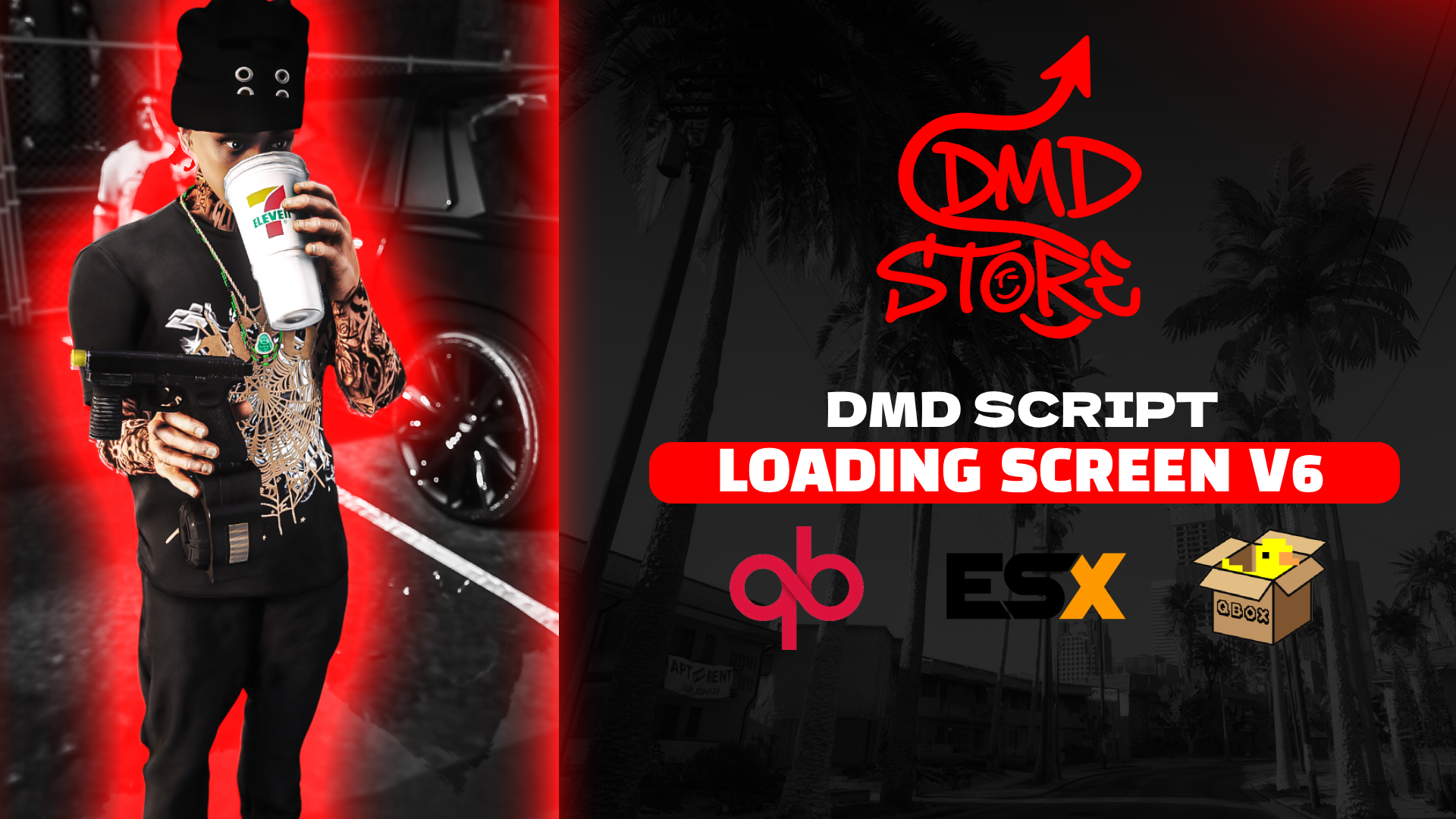
A premium, highly customizable, and modern loading screen for FiveM servers. This loading screen provides an immersive entry experience for your players with video backgrounds, customizable music, staff team display, server controls overview, and dynamic loading statuses. Designed for easy configuration without needing any HTML/CSS knowledge.
## 🌟 Features
* **Video Background:** High-quality video background with a built-in grayscale toggle.
* **Music Player:** Integrated music player showing track title and artist, with volume control.
* **Staff Display:** Showcase your server team (Name, Role, and Avatar).
* **Controls Overview:** Display essential server keybinds (e.g., F1 for Phone, F2 for Inventory).
* **Dynamic Statuses:** Custom loading text that cycles as the player connects to the server.
* **Easy Configuration:** Everything is controlled via a simple `config.js` file.
* **Standalone:** Compatible with any framework (QBCore, ESX, vRP, Custom) as it handles loading screen events natively.
## ⚙️ Configuration (`config.js`)
You can easily customize the loading screen by editing the `config.js` file in the main directory:
- Change titles and subtitles.
- Set background video path and toggle `grayscale` mode.
- Update staff members and their roles.
- Adjust server controls and keybinds.
- Set your custom music file, volume, track title, and artist.
- Customize loading messages/statuses.
## 📦 Installation
2. Place the `dmd-loadingv6` folder into your server's `resources` directory.
3. Make sure the folder name does not contain spaces or capitalized letters (e.g., keep it as `dmd-loadingv6`).
5. (Optional) Replace `web/video/video.mp4`, `web/music/music.mp3`, and `web/img/logo.png` with your own media files.
```cfg
ensure dmd-loadingv6
```
## 🔗 Links & Support
* **Discord:** [Join our community for support!](https://discord.gg/8yEMHnkRAV)
* **Tebex (Store):** [DMD Store](https://dmd.tebex.io)
* **YouTube:** [Watch Showcases](https://www.youtube.com/@dmdstorefivem)
